






Promo ends in
US$ 439.00
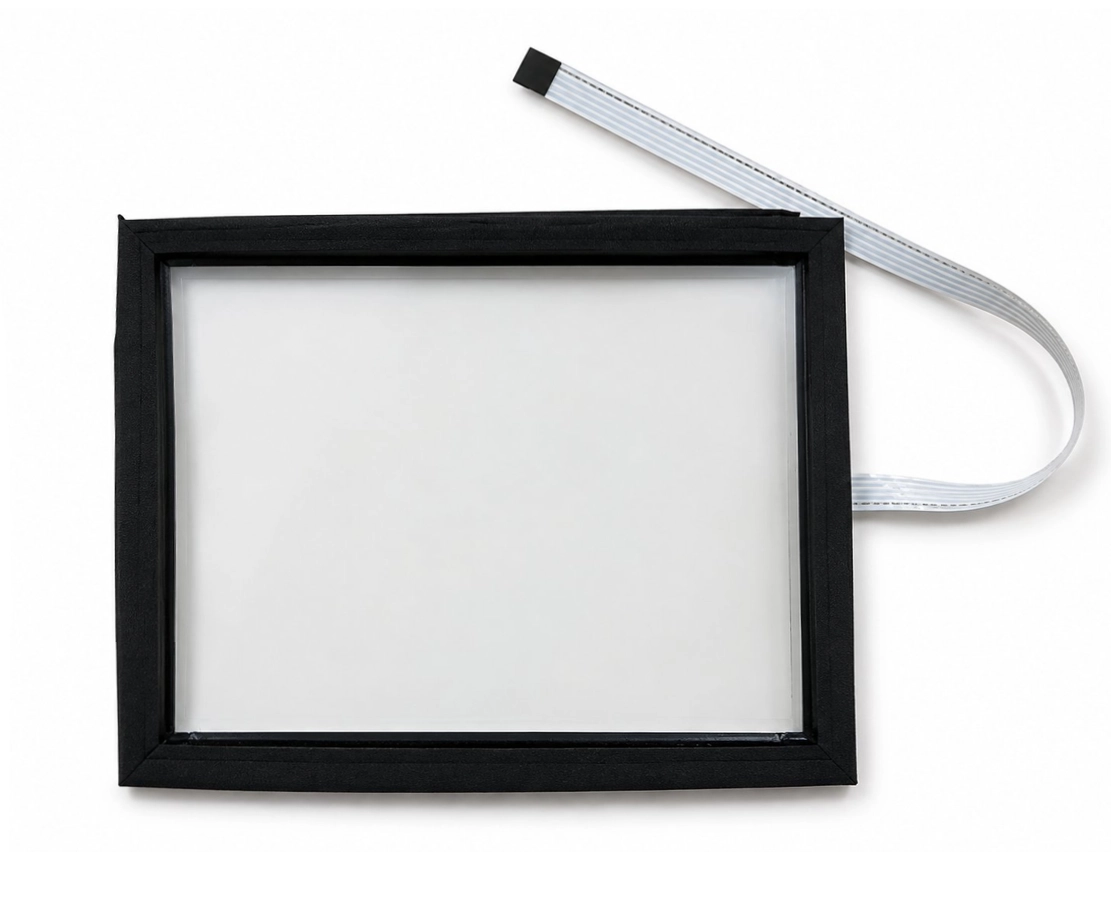
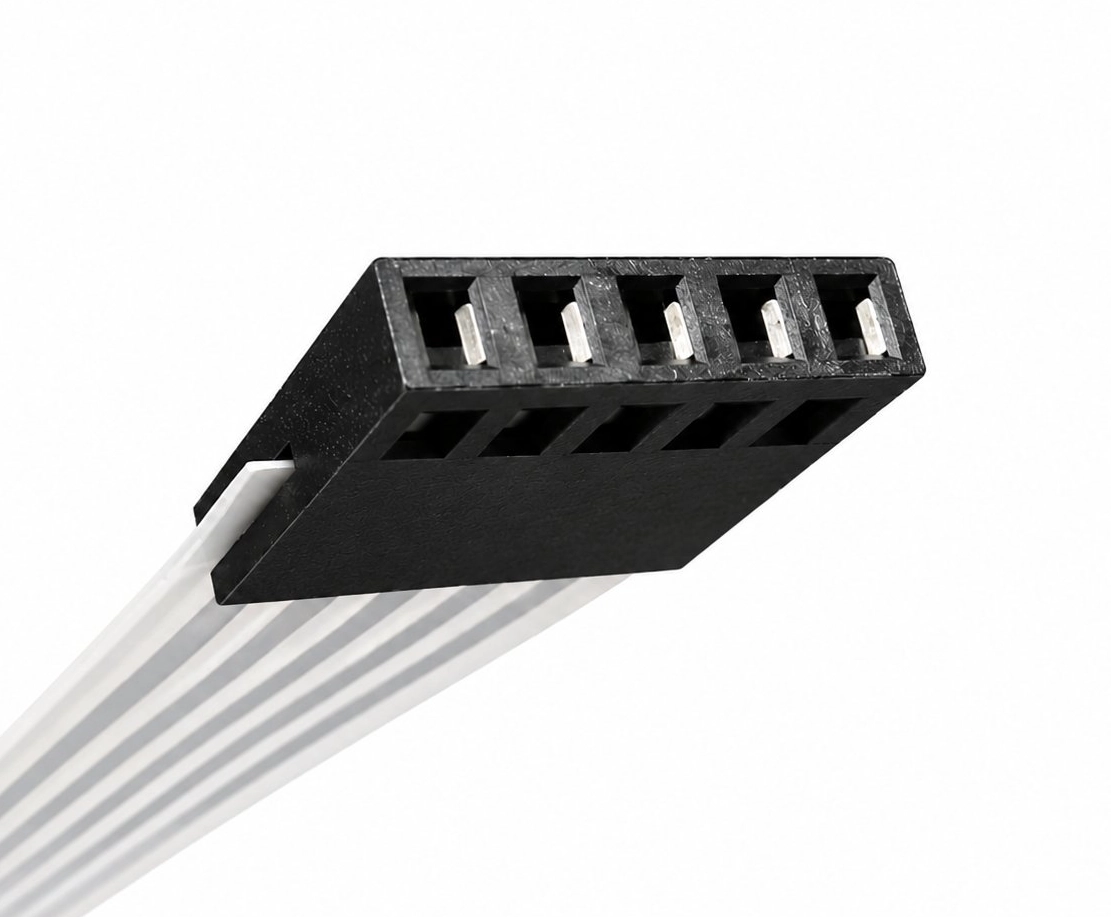
Restore reliable touchscreen operation to your industrial control system with the Cincinnati Milacron 950 Touchscreen Replacement (MF950T) from Monitech. This 5-wire touchscreen with counter bezel is designed for the Cincinnati Milacron 950 and is also compatible with the Barber Colman MACO 8800. The MF950T provides a replacement solution for compatible industrial control interfaces with worn, damaged, or unresponsive touchscreens.
| Product Information | Details |
|---|---|
| Product Model | Cincinnati Milacron 950 Touchscreen Replacement (MF950T) |
| Monitech Part Number | MF950T |
| Replacement Type | 5-wire industrial touchscreen with counter bezel |
| Touchscreen Technology | 5-wire touchscreen |
| Compatibility |
|
| Features |
|
| Application | Touchscreen replacement for Cincinnati Milacron 950 and Barber Colman MACO 8800 industrial control systems. Suitable for maintaining or restoring touchscreen functionality in compatible machine operator interfaces. |
| What’s Included |
Note: Additional accessories or installation components have not been specified. Please contact Monitech to confirm package contents before ordering. |
| Need Help? | Not sure if the MF950T touchscreen replacement is compatible with your equipment? Contact Us for assistance with product compatibility and replacement inquiries. |
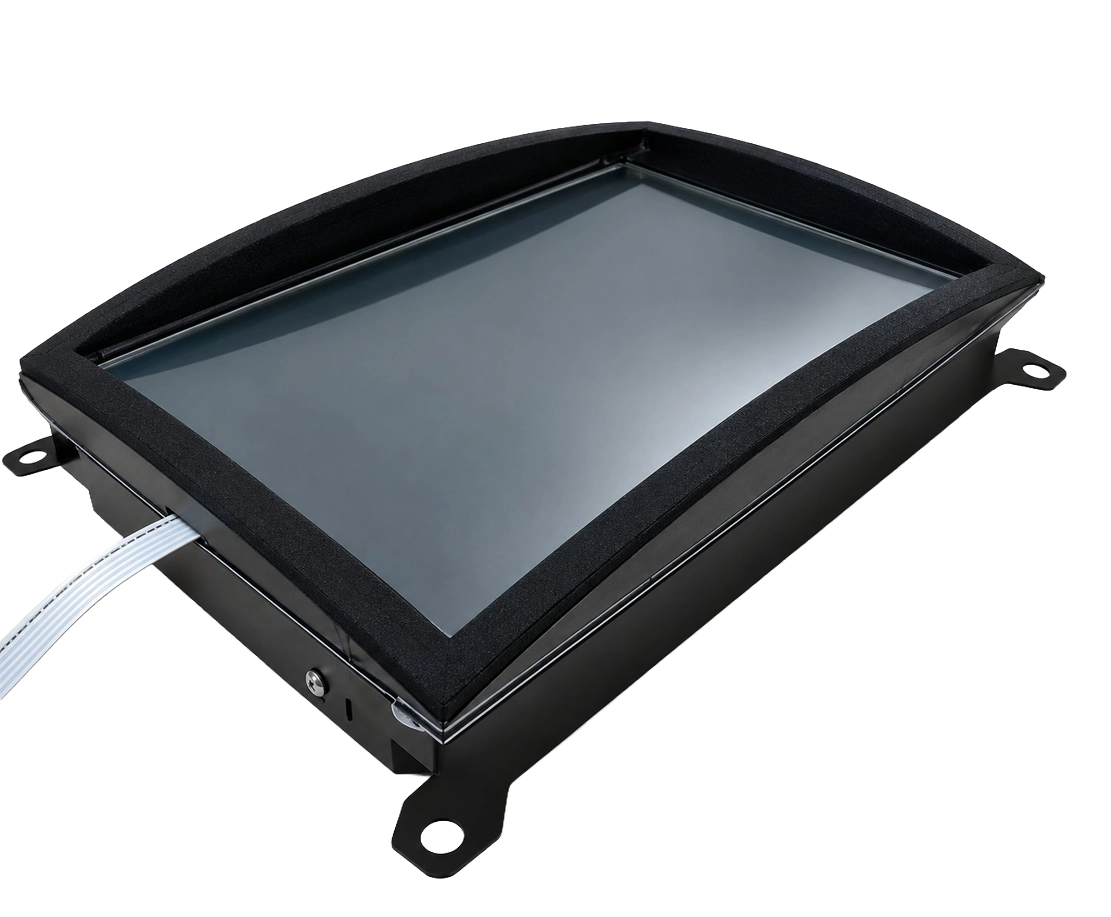
Does not work with a curved CRT screen, must have a flat panel monitor for the touch screen to work properly. We sell the LCD for this machine also, please click here for ML121LL950T LCD kit and touchscreen combo (price is lower when purchased together)
Share:

"Got the MF950T Touchscreen for our Cincinnati Milacron. The setup was absolutely smooth, no hitches or tweaks needed. The clear display and responsiveness are top-notch. Purchasing directly from Monitech was beneficial
Promo ends in
US$ 439.00
Restore reliable touchscreen operation to your industrial control system with the Cincinnati Milacron 950 Touchscreen Replacement (MF950T) from Monitech. This 5-wire touchscreen with counter bezel is designed for the Cincinnati Milacron 950 and is also compatible with the Barber Colman MACO 8800. The MF950T provides a replacement solution for compatible industrial control interfaces with worn, damaged, or unresponsive touchscreens.
| Product Information | Details |
|---|---|
| Product Model | Cincinnati Milacron 950 Touchscreen Replacement (MF950T) |
| Monitech Part Number | MF950T |
| Replacement Type | 5-wire industrial touchscreen with counter bezel |
| Touchscreen Technology | 5-wire touchscreen |
| Compatibility |
|
| Features |
|
| Application | Touchscreen replacement for Cincinnati Milacron 950 and Barber Colman MACO 8800 industrial control systems. Suitable for maintaining or restoring touchscreen functionality in compatible machine operator interfaces. |
| What’s Included |
Note: Additional accessories or installation components have not been specified. Please contact Monitech to confirm package contents before ordering. |
| Need Help? | Not sure if the MF950T touchscreen replacement is compatible with your equipment? Contact Us for assistance with product compatibility and replacement inquiries. |
Does not work with a curved CRT screen, must have a flat panel monitor for the touch screen to work properly. We sell the LCD for this machine also, please click here for ML121LL950T LCD kit and touchscreen combo (price is lower when purchased together)
Interested in Net 30 Payment Terms or have questions in mind? Contact us for further details:
|
|---|
Cincinnati Milacron 950 Touchscreen Replacement with Counter Bezel – MF950T
Restore touchscreen functionality to your industrial control system with the Cincinnati Milacron 950 Touchscreen Replacement (MF950T) from Monitech. This replacement features a 5-wire touchscreen and counter bezel, designed for the Cincinnati Milacron 950 and also compatible with the Barber Colman MACO 8800.
A damaged, worn, or unresponsive touchscreen can make it difficult to operate and monitor industrial equipment. The Monitech MF950T provides a replacement solution for compatible operator interfaces, helping maintenance teams restore touchscreen interaction without replacing the entire control system.
Why Choose the MF950T Touchscreen Replacement?
Whether you’re replacing a damaged touchscreen or maintaining an existing industrial control system, the MF950T Cincinnati Milacron 950 Touchscreen Replacement offers a practical solution for keeping compatible equipment operational.
Not sure about compatibility? Contact Monitech for assistance in confirming the correct touchscreen replacement for your equipment.
| Product Description | Cincinnati Milacron 950 Touchscreen Replacement with 5-Wire Touchscreen and Counter Bezel |
|---|---|
| Condition | Please contact Monitech to confirm product condition and packaging details. |
| Brand | Monitech |
| SKU | MF950T |
| Compatibility | Cincinnati Milacron 950, Barber Colman MACO 8800 |
| Model | Cincinnati Milacron 950 |
| Controller Platform | Cincinnati Milacron 950, Barber Colman MACO 8800 |
| Accessories | 5-wire touchscreen with counter bezel. Please contact Monitech to confirm whether additional installation accessories are included. |
| Type | Touchscreen |
| UPC | Not Specified |
| EAN | Not Specified |
| Warranty | Read our warranty details for our products: TERMS OF WARRANTY |
| Return | For return eligibility, applicable fees, and return instructions, please contact us for more information. |
| Support | Click here to make a request for customer service. |
The Monitech MF950T is a replacement touchscreen assembly designed for the Cincinnati Milacron 950 industrial control system. It features a 5-wire touchscreen with a counter bezel and is also compatible with the Barber Colman MACO 8800. This replacement provides an option for restoring touchscreen functionality when an existing touch interface becomes worn, damaged, or unresponsive.
The MF950T touchscreen replacement is compatible with the following industrial control systems:
Before ordering, verify your equipment's model identification and existing touchscreen assembly. If you're unsure whether your specific controller configuration is supported, contact Monitech for compatibility assistance.
The Monitech MF950T is specified as a 5-wire touchscreen with a counter bezel for the Cincinnati Milacron 950. These are the identified components of the replacement assembly. Additional items, such as installation cables, mounting hardware, or documentation, have not been confirmed. To verify the complete package contents, please contact Monitech before purchasing.
A 5-wire resistive touchscreen is a touch-input technology commonly used in industrial control equipment. In a typical 5-wire resistive design, the underlying conductive layer establishes the touch-position measurement, while the flexible upper layer detects contact. This technology can support operation using a finger or suitable stylus. The MF950T is identified as a 5-wire touchscreen, although its complete electrical and performance specifications should be confirmed with Monitech.
Common signs of a failing industrial touchscreen may include unresponsive touch areas, inconsistent touch detection, physical damage, or difficulty selecting controls. However, these symptoms can also result from problems with the touchscreen connection, controller electronics, or calibration. Before replacing the touchscreen, inspect the existing assembly and perform appropriate troubleshooting. If the touchscreen is confirmed to be defective, the MF950T Cincinnati Milacron 950 Touchscreen Replacement may be a suitable replacement for the supported system.
Yes. The Monitech MF950T is also specified as compatible with the Barber Colman MACO 8800. In addition to its primary application with the Cincinnati Milacron 950, it provides a touchscreen replacement option for this supported Barber Colman control system. Confirm the existing touchscreen configuration before ordering to ensure the correct replacement is selected.
Touchscreen replacement should be performed by qualified maintenance personnel or technicians familiar with industrial control equipment. Installation may involve accessing the operator interface, removing the existing touchscreen assembly, and connecting the replacement. The exact installation procedure and any required calibration or configuration steps for the MF950T have not been confirmed. Always isolate equipment power and follow the machine manufacturer's safety procedures before servicing. Contact Monitech to confirm installation instructions and requirements.
Not necessarily. If the touchscreen is the only defective component, replacing the touch interface may help restore normal operation without replacing the complete controller. The Monitech MF950T provides a touchscreen replacement option for the Cincinnati Milacron 950. However, issues involving the display, electronics, or other controller components may require additional repairs. Proper troubleshooting is recommended before purchasing a replacement touchscreen.
Warranty terms and applicable coverage for the MF950T touchscreen replacement are outlined in Monitech's Terms of Warranty. For questions about warranty eligibility, returns, or applicable restocking fees, please contact Monitech. Reviewing these terms before ordering can help purchasing teams and maintenance departments understand the available product support and return conditions.
You can order the Cincinnati Milacron 950 Touchscreen Replacement (MF950T) through Monitech. When requesting assistance, provide the Monitech SKU MF950T, your controller model, and a description of the touchscreen issue. Monitech can help answer questions about product compatibility, package contents, availability, and installation requirements. For assistance with your Cincinnati Milacron 950 or Barber Colman MACO 8800 touchscreen replacement, contact the Monitech team.



We are one message away or call us from Monday to Friday.
Guest –
“Got the MF950T Touchscreen for our Cincinnati Milacron. The setup was absolutely smooth, no hitches or tweaks needed. The clear display and responsiveness are top-notch. Purchasing directly from Monitech was beneficial