Frequently Asked Questions (FAQ)
What is the Monitech MF1000PT7 PanelView Plus 7 touchscreen replacement?
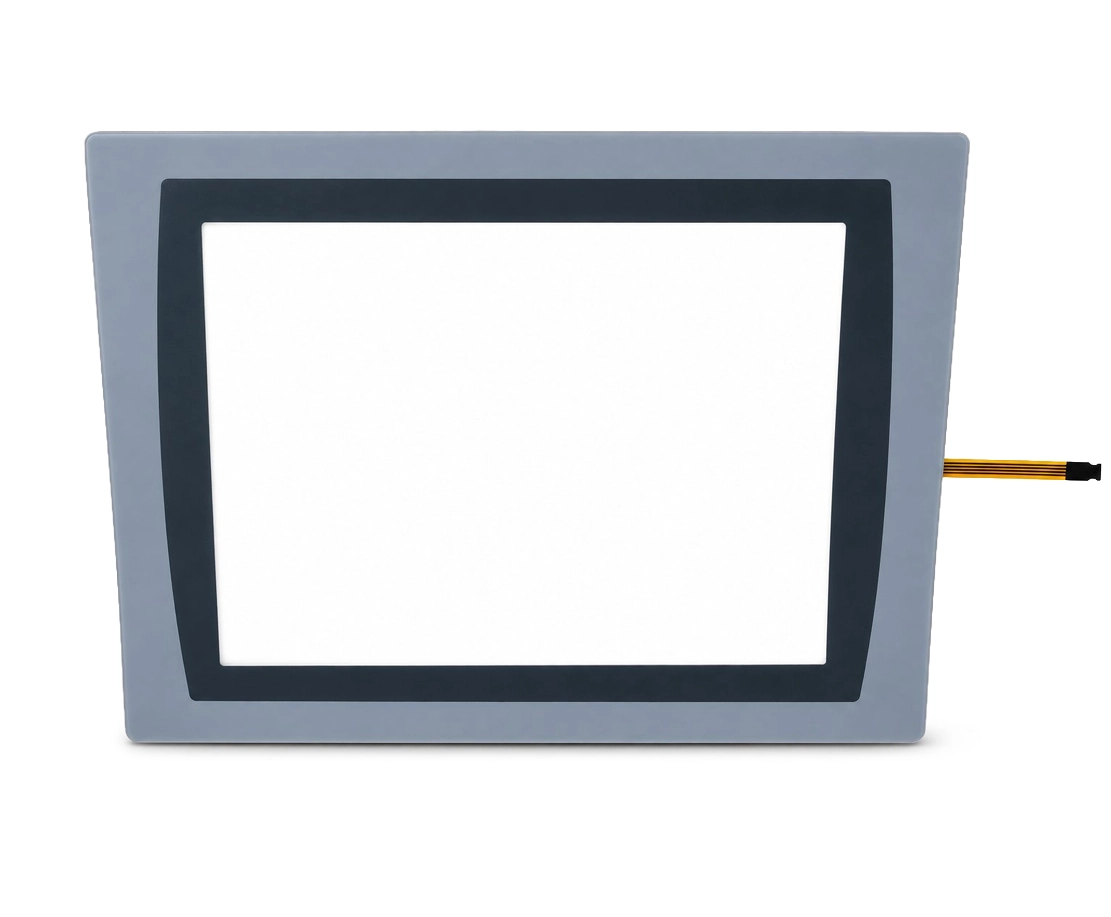
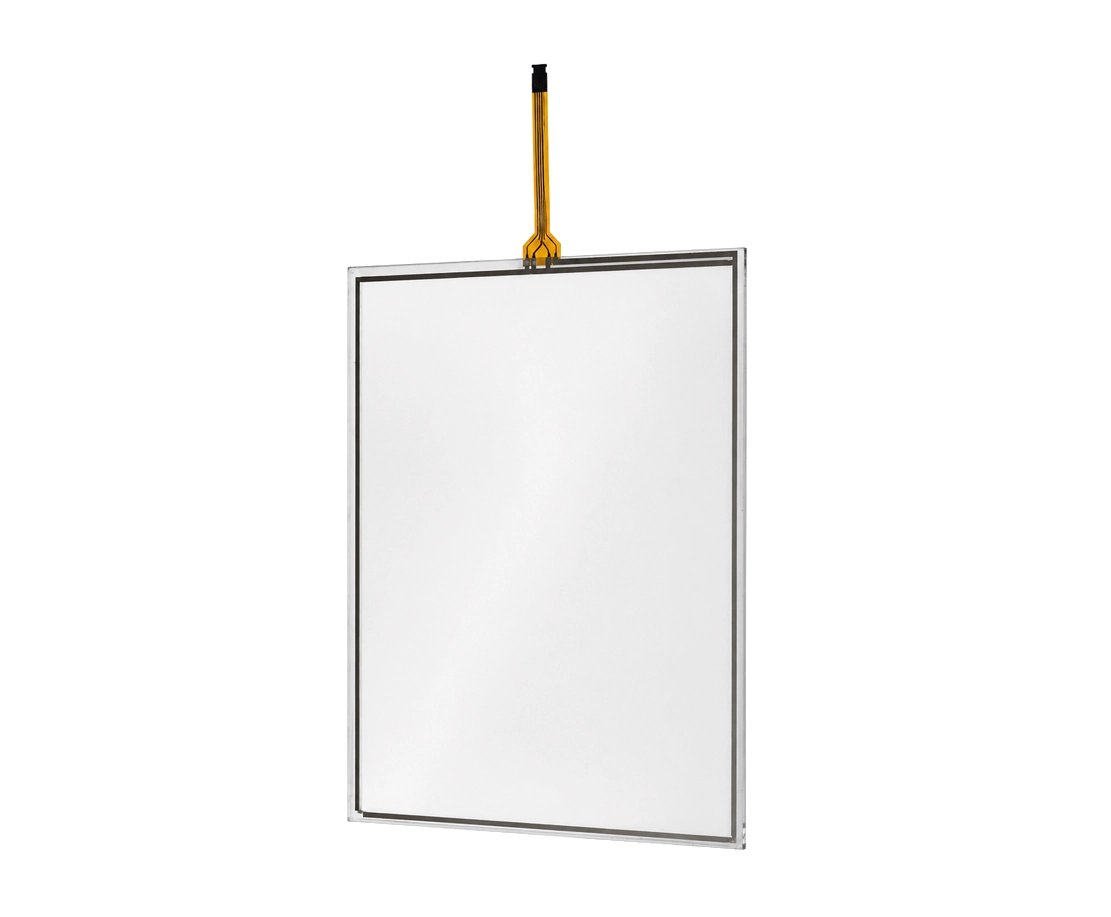
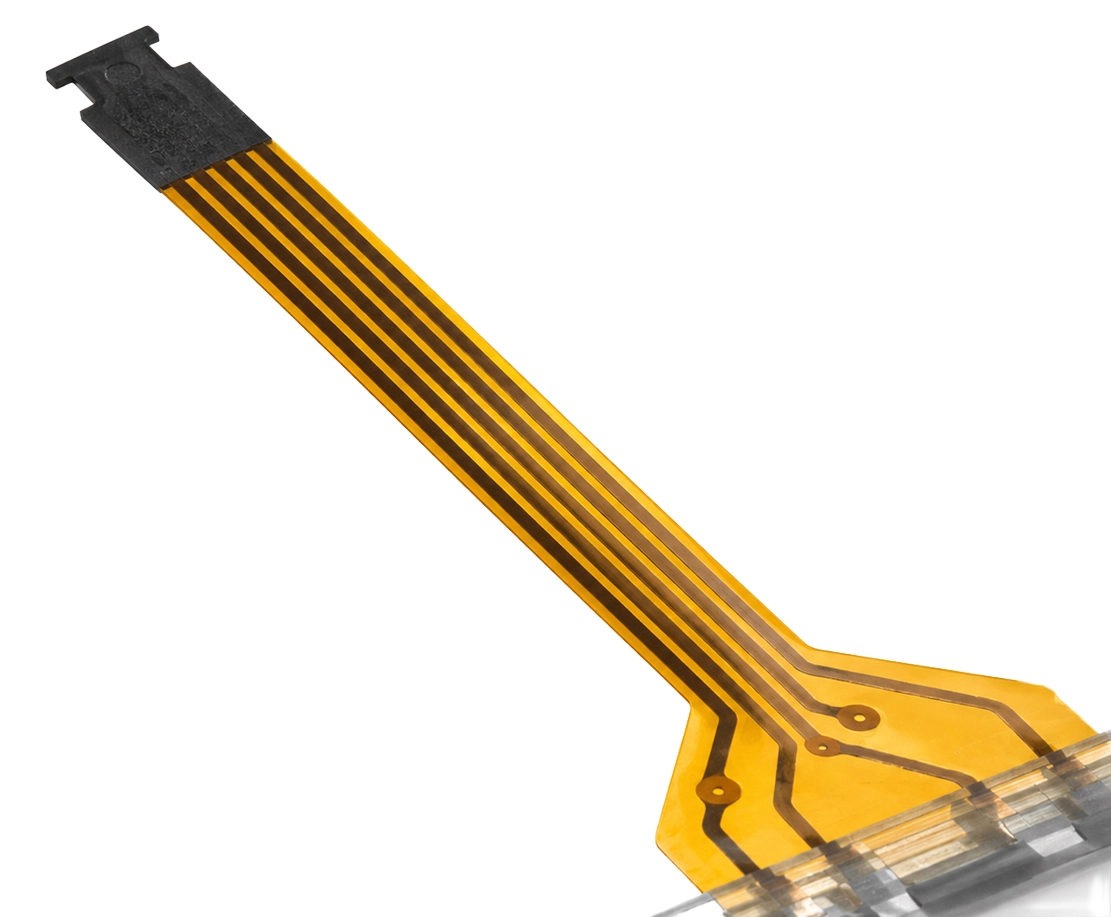
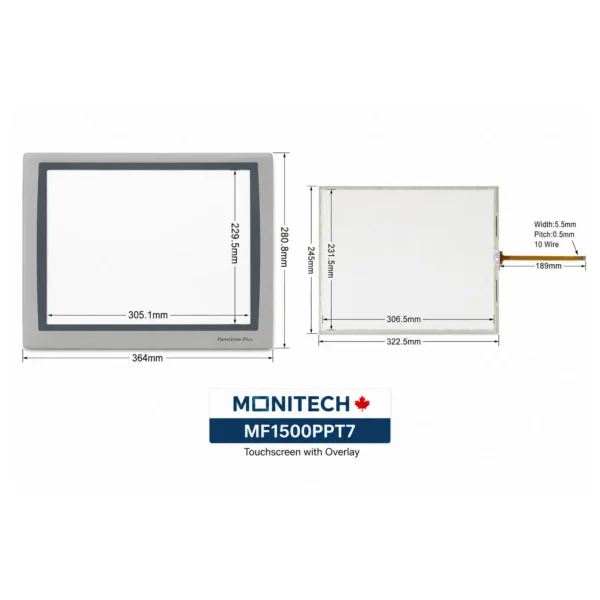
The Monitech MF1000PT7 is a replacement touchscreen and overlay designed for the Allen-Bradley PanelView Plus 7 Standard 2711P-T10C21D8S industrial HMI terminal. It provides a component-level repair solution for damaged, worn, or unresponsive touchscreen surfaces, helping restore operator interaction without replacing the entire HMI when the remaining components are functioning correctly.
Which Allen-Bradley PanelView Plus 7 models are compatible with the MF1000PT7?
The MF1000PT7 touchscreen and overlay replacement is specified for the Allen-Bradley PanelView Plus 7 Standard 2711P-T10C21D8S terminal. Compatibility with other PanelView Plus 7 Standard or Performance models, including different catalog numbers and hardware revisions, has not been confirmed. Check the complete model number on your existing terminal before ordering. If your model differs, please contact Monitech to verify compatibility.
What is included with the MF1000PT7 touchscreen and overlay replacement?
The MF1000PT7 is described as a replacement touchscreen and overlay for the PanelView Plus 7 2711P-T10C21D8S terminal. It is not listed as a complete HMI terminal or LCD display replacement. The inclusion of additional accessories, connecting cables, adhesives, or installation instructions should be confirmed before purchasing. For exact package contents, please contact our support team.
What are the screen size and display specifications of the 2711P-T10C21D8S PanelView Plus 7?
The Allen-Bradley 2711P-T10C21D8S PanelView Plus 7 Standard features a 10.4-inch color TFT LCD with an 800 × 600 pixel (SVGA) resolution and a 4:3 aspect ratio. The terminal uses touchscreen input for industrial machine operation and monitoring. The MF1000PT7 is intended to replace the touchscreen and overlay components, not the underlying LCD panel. These display specifications describe the original HMI terminal.
How do I know if my PanelView Plus 7 touchscreen needs replacement?
Common signs of touchscreen problems include unresponsive touch areas, cracked or scratched touch surfaces, inaccurate touch detection, and intermittent touchscreen operation. Before replacing the touchscreen, check whether the display shows images correctly and whether the issue could be caused by calibration, software, or another terminal component. If the LCD displays normally but touchscreen input is physically damaged or continues to malfunction after appropriate troubleshooting, replacing the touchscreen and overlay may be a suitable repair option.
Can I replace the 2711P-T10C21D8S touchscreen without replacing the entire HMI terminal?
Yes, a touchscreen-only repair may be possible when the existing PanelView Plus 7 terminal's LCD, electronics, and other essential components remain operational. The Monitech MF1000PT7 provides a replacement option for the touchscreen and overlay rather than the entire operator terminal. This approach can help reduce replacement costs and extend the useful life of existing industrial equipment. However, if the terminal has internal electronic faults, LCD damage, or other hardware failures, additional repairs may be necessary.
Can maintenance technicians install the MF1000PT7 touchscreen replacement themselves?
The MF1000PT7 touchscreen replacement is intended for maintenance or repair of a compatible PanelView Plus 7 HMI. Installation should be performed by qualified technicians familiar with industrial electronic equipment. Before beginning, follow the equipment manufacturer's shutdown, isolation, and electrostatic discharge precautions. Proper removal, installation, and connection of the touchscreen assembly are important to avoid damaging the LCD or terminal electronics. Contact Monitech technical support to confirm installation instructions and any required accessories.
Will replacing the PanelView Plus 7 touchscreen require PLC reprogramming or changes to the HMI application?
Replacing only the touchscreen and overlay typically does not require changing the existing PLC program or HMI application, provided the original PanelView Plus 7 terminal and its electronics remain in service. The touchscreen is an input component, while application configuration and communication functions are managed by the terminal's internal electronics and software. However, touchscreen calibration or other setup procedures may be necessary depending on the installation and terminal condition. Confirm the applicable procedure with Monitech before installation.
What warranty and return options are available for the Monitech MF1000PT7?
Warranty coverage for the Monitech MF1000PT7 touchscreen and overlay replacement is subject to Monitech's applicable product warranty terms. For coverage details, warranty conditions, and claim procedures, please review our Terms of Warranty. If you need to return an item or have ordered an incompatible replacement, please contact Monitech to confirm return eligibility, applicable fees, and instructions before sending the product back.
Where can I purchase the MF1000PT7 touchscreen replacement and get technical support?
You can purchase the MF1000PT7 touchscreen and overlay replacement through Monitech, a supplier of industrial HMI replacement parts and display repair solutions. The product is intended for the Allen-Bradley PanelView Plus 7 Standard 2711P-T10C21D8S terminal. Before purchasing, confirm your terminal model and replacement requirements. For questions about availability, shipping to the United States or Canada, compatibility, installation, or technical assistance, please contact the Monitech support team.










Guest –
After replacing our old screen with the Panelview Plus 10 inch from Monitech, the difference was immediate. Installation was straightforward, and the peace of mind from their warranty and expert support is unmatched.
Guest –
Just switched our panel with the Panelview Plus 10 inch from Monitech. Super smooth setup and it works great. Buying direct gave us quick access to support and a solid warranty. Definitely worth it!
Guest –
After installing the Panelview Plus touch screen, my machine runs like new! The setup was straightforward, enhancing my productivity right away. Fast delivery was the cherry on top!
Guest –
I switched to the Panelview Plus 10 inch from Monitech and have not looked back. Purchasing directly ensured a hassle-free experience with real support and warranty you can trust. Worth every penny for the peace of mind!
Guest –
The Panelview Plus touch screen was a breeze to install on my machine, and it worked perfectly right out of the box. Buying directly from Monitech gave me confidence with their solid warranty and expert support!
Guest –
I installed the Panelview Plus 10 inch Touch Screen from Monitech, and it was a seamless fit. The quality is unmatched, and the support team was incredibly knowledgeable, making it all a worry-free experience!
Guest –
I recently installed the Panelview Plus 10 inch touch screen on our equipment, and it’s been smooth sailing. Installation was straightforward, and it works like a charm. Definitely satisfied with the upgrade!
Guest –
Recently replaced my old touchscreen with the Panelview Plus 10 inch. Installation was straightforward, and the touch response feels like a major upgrade. Really glad I chose this model!
Guest –
I opted to go direct with Monitech for the Panelview Plus screen—it really paid off. Not only was the warranty solid, but their expert support was reassuring, ensuring everything fit and worked perfectly. A wise decision!
Guest –
Just installed the Panelview Plus 10 inch Touch Screen from Monitech, and what a smooth process! Buying directly from them meant I got not only a reliable warranty but also expert support.
Guest –
I just replaced our old touch screen with the Panelview Plus 10 inch from Monitech, and I’m really impressed. The direct purchase was smooth, and knowing I have their warranty and expert support gave me total peace of mind
Guest –
Bought the Panelview Plus 10 inch Touch Screen directly from Monitech. Peace of mind with a solid warranty and expert support. Smooth transaction and delivery, a reliable choice over other vendors.
Guest –
We ordered the Panelview Plus direct from Monitech and couldn’t be happier. The real deal for sure – it comes with a reliable warranty and support that makes all the difference. Worth every penny for the peace of mind!
Guest –
I recently upgraded my machine with the Panelview Plus 10″ Touch Screen. The installation was smooth, and my system’s responsiveness improved noticeably.
Guest –
“Switched to the PanelView Plus 10 inch from Monitech and installation was a breeze. It’s great knowing that with their reputable warranty and expert support, I’m covered. Feels good to buy directly from those
Guest –
Just installed the PanelView Plus 10-inch from Monitech in our workshop. The plug-and-play installation was a breeze, no fuss at all. Really appreciate having direct support from the manufacturer too—feels secure knowing they
Guest –
“I swapped out our old HMI touchscreen with the PanelView Plus 10-inch model from Monitech, and the installation was a breeze. The pre-attached bezel saved me time, and the ribbon connector was a perfect
Guest –
I purchased the PanelView Plus 10 inch Touch Screen directly from Monitech. The installation was straightforward, and having direct support and a solid warranty from them really put my mind at ease. Great choice for no-hassle
Guest –
“The PanelView Plus 10-inch touch screen was easy to install—fit perfectly with my existing setup. Quick setup with no rewiring needed, and it runs smoothly. Glad to have reliable support from Monitech too!”
Guest –
“Just installed the PanelView Plus 10 inch Touch Screen from Monitech, and I’m truly satisfied. The direct replacement feature made setup a breeze and it functions seamlessly with our current system. Plus, buying directly from Monitech
Guest –
“I replaced our old HMI screen with the PanelView Plus 10 inch from Monitech, and the installation was seamless. The plug-and-play feature truly simplified the process. It’s comforting to know we have their warranty and